
This article relates to accessing the administration section of Microsoft 365
Important Note:
You should not rename, delete (or licence) the "Admin" user that has the "onmicrosoft.com" subdomain.
This is a legitimate user and should remain as is.
Effectively, you would add a "Custom Domain", verify that, add users for that and licence those users.
You need to log in directly to the 365 Portal to administer your plan. See here for more information:
Accessing your Microsoft 365 Account
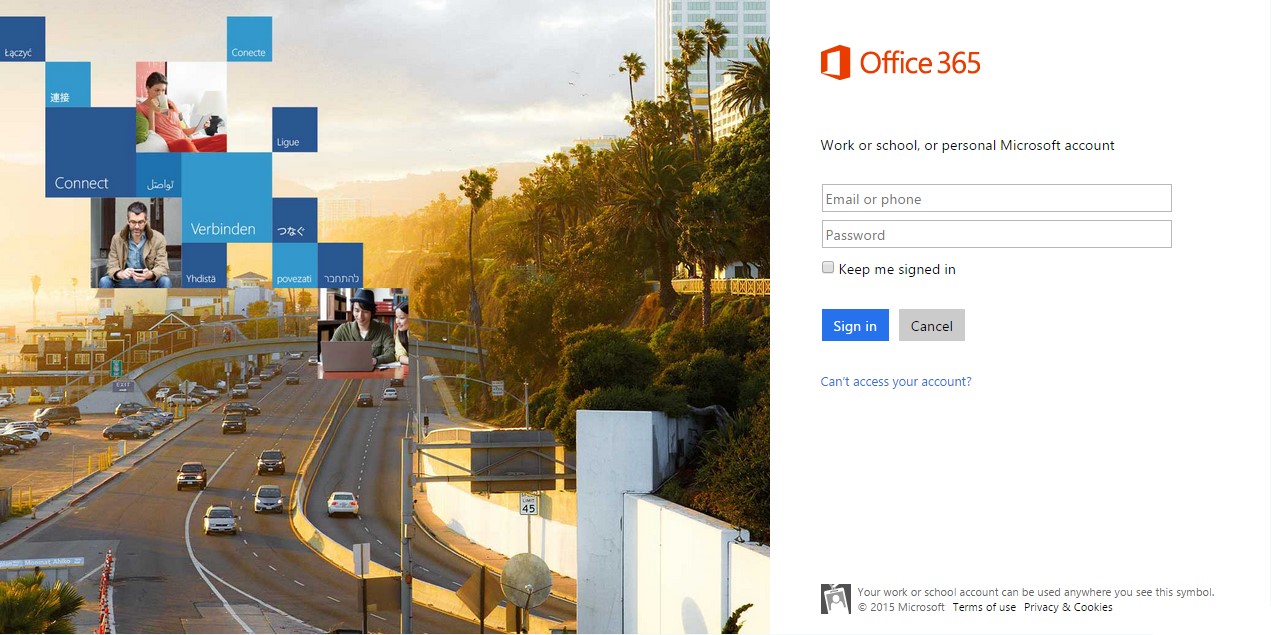
Once you reach the portal, you can then login with the details retrieved via the control panel - or where you have changed the password, with the details you recorded previously; you will see the screen below.
Office 365 Articles
Please see the following URL for more articles relating to Office 365 subscriptions with ourselves:
Further Queries
If you have any queries on this, please contact our Support team - see the following for our contact details:
Comments
0 comments
Article is closed for comments.